
Toggle menu
PDF Modficiation
Edit, merge, split, compress, rotate, and modify your PDFs. All the PDF manipulation you need without bloated software. Simple and straightforward.
40 posts
PDF Modficiation
Google PDF Editor: Master Editing PDFs with Google Tools
Google doesn’t actually have a standalone PDF editor, but you can still get a lot done using Google’s tools, mainly...

PDF Modficiation
How to Download a PDF on iPhone: Step-by-Step Methods and Tips
Downloading PDFs to your iPhone is honestly pretty easy, and it works in a bunch of different apps and browsers....
PDF Modficiation
Add Watermark to PDF: Methods, Tools & Best Practices Explained
Adding a watermark to your PDF documents is a straightforward way to protect your intellectual property and make it clear...
PDF Modficiation
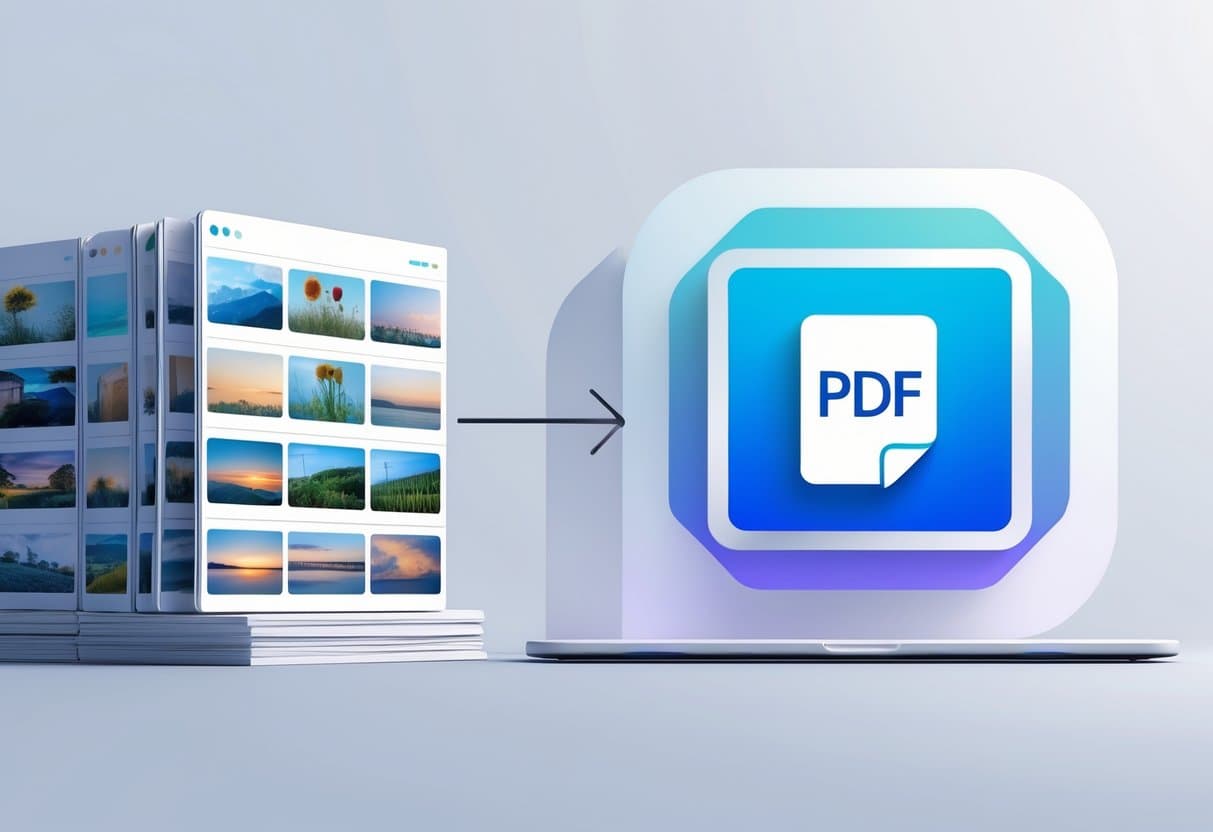
How to Type on a PDF: Step-by-Step Guide to Editing PDF Files
Adding text to a PDF is something most of us need to do at some point, but it can feel...
PDF Modficiation
Combine Images Into PDF: The Complete Guide to Easy Conversion
Converting a bunch of images into a single PDF just makes life easier. It tidies up your files and gives...
PDF Modficiation
How to Crop PDF: Easy Methods for Every Device and Platform
Cropping PDF files lets you get rid of unwanted margins, clean up scanned pages, and focus on the core content...
PDF Modficiation
How to Save PowerPoint as PDF: Methods, Tips & Best Practices
Converting PowerPoint presentations to PDF is pretty much essential nowadays if you’re sharing, printing, or just want your slides to...

PDF Modficiation
Save Google Doc as PDF on Phone: Simple Mobile Conversion Guide
Converting Google Docs to PDF on your phone is a pretty handy trick. It keeps your documents looking professional and...
PDF Modficiation
Edit PDF on iPhone: Step-by-Step Instructions & Best Tools
You can edit PDFs right on your iPhone using built-in tools and third-party apps—no computer needed. The native Files app...