
Toggle menu
Blog
Insights, tutorials, and updates from our team
PDF Modficiation
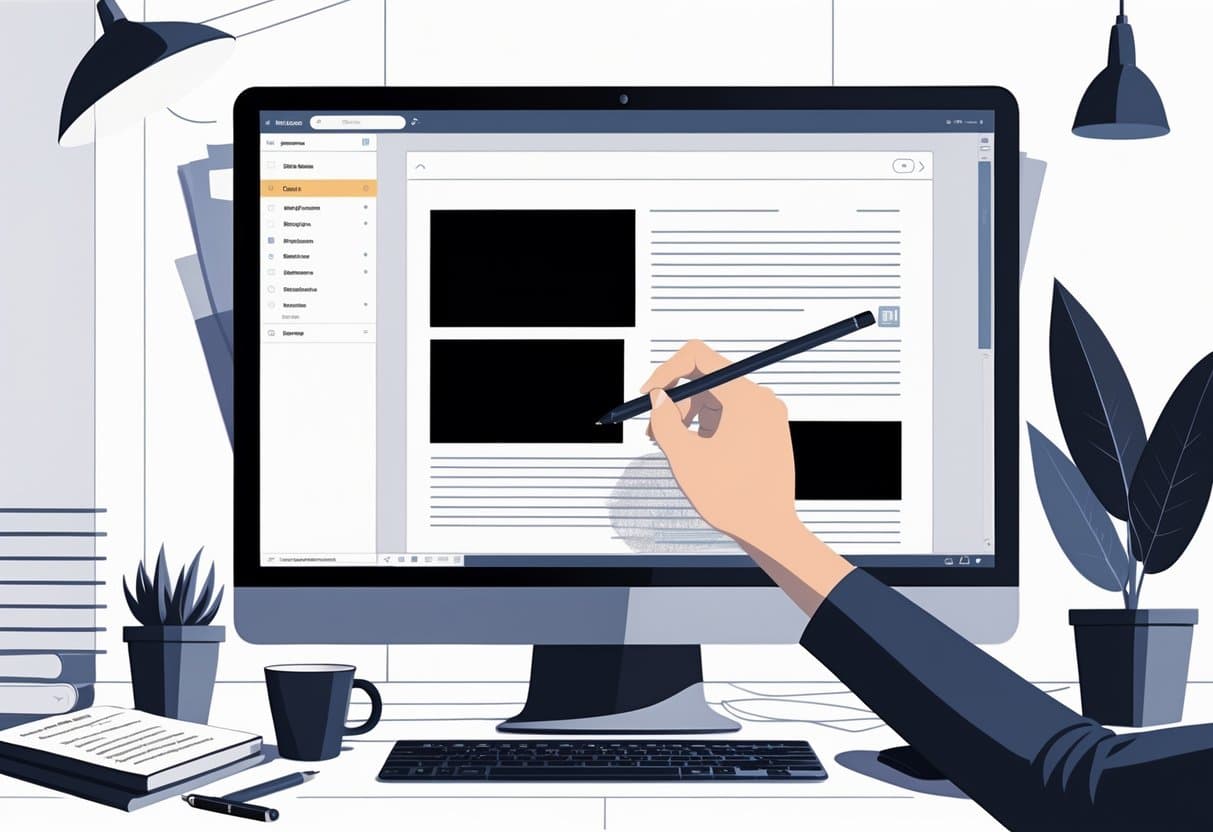
How to Redact a PDF: Complete Guide to Permanent Redaction
Redacting a PDF means permanently getting rid of sensitive information in documents—think privacy, regulations, all that jazz. Proper PDF redaction...
PDF Integration
How to Put a PDF into Google Docs: Complete Integration Guide
Working with PDFs in Google Docs can really smooth out your document workflow and make collaboration a breeze. Sure, Google...
PDF Modficiation
How to Create a Link to a PDF: Step-By-Step Guide for Easy Sharing
Creating a shareable link for your PDF document takes away the headache of email attachments. Anyone with an internet connection...
PDF Modficiation
How to Cite a PDF: Complete Guide to Citation Formats and Styles
Citing a PDF isn’t as simple as slapping “PDF” into your bibliography and calling it a day. The real trick...
PDF Modficiation
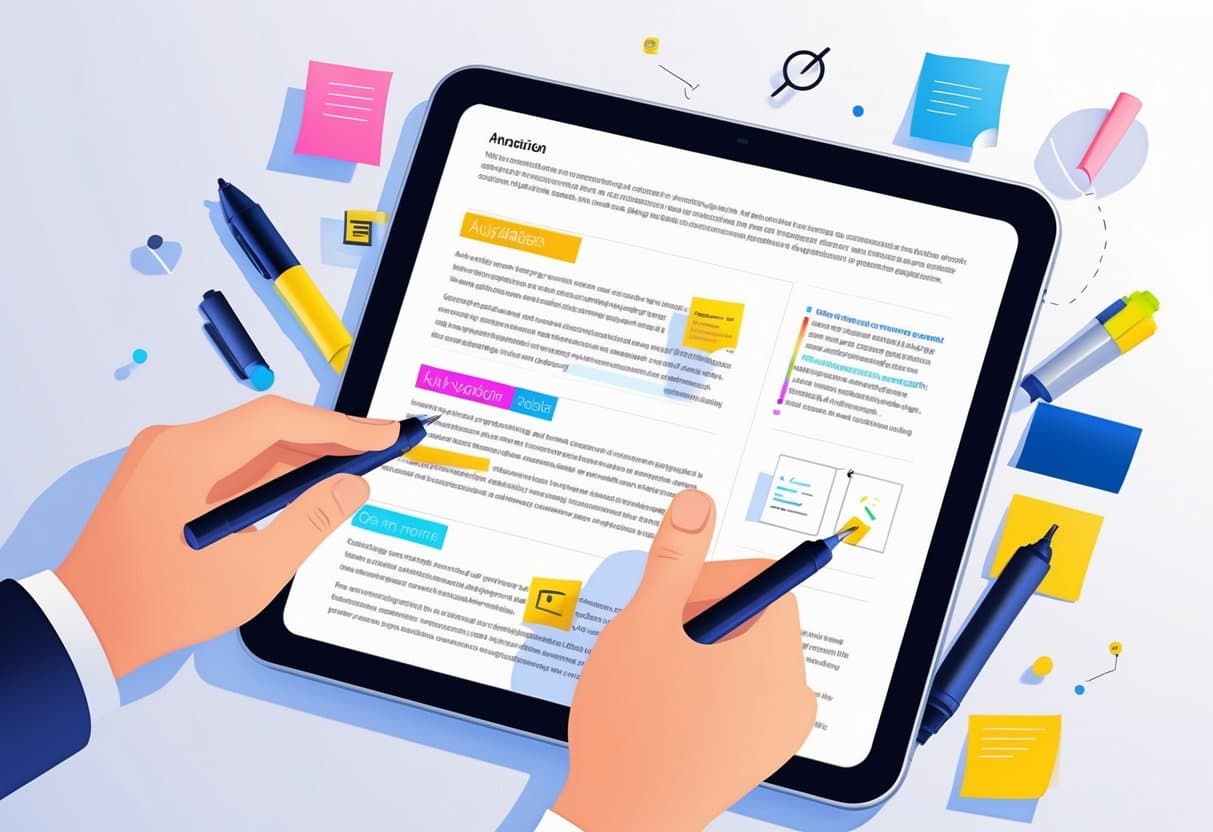
How to Annotate a PDF: Tools, Techniques, and Best Practices
You can annotate PDFs using built-in tools like Preview on Mac, Edge on Windows, or free online platforms like Adobe...

PDF Security
How to Sign a Document on iPhone: Fast, Easy Steps Explained
Signing documents on your iPhone is just a fact of life now, whether it’s for work, forms, or personal stuff....
PDF Modficiation
How to Save One Page of a PDF: Step-by-Step Methods and Tools
Ever tried to share just one page from a huge PDF? Maybe it’s a single recipe, or just that one...
PDF Conversion
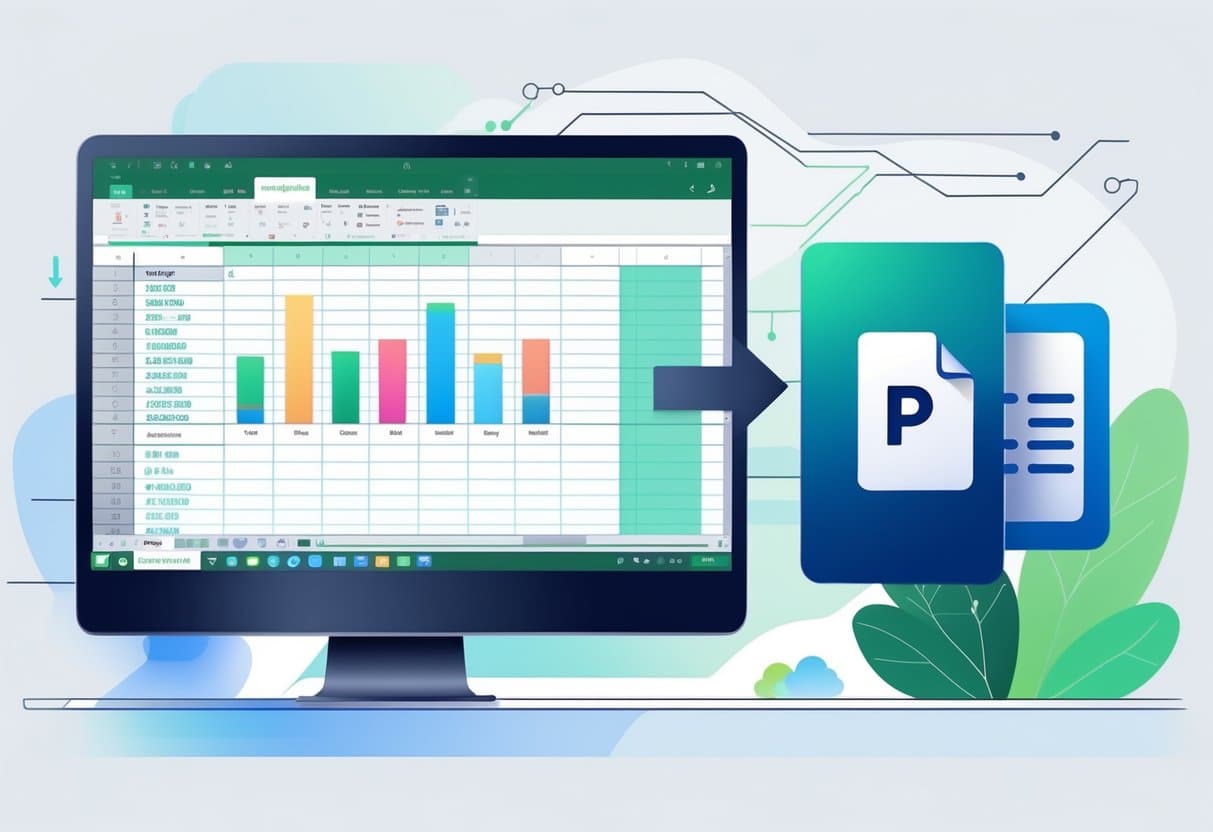
Excel to PDF: How to Convert, Save, and Optimize Your Files
Converting Excel spreadsheets to PDF format turns your data into a document that just works everywhere—no matter the device or...
PDF Integration
How to Send PDF to Email: Fast & Efficient Methods Explained
Sending PDF files through email is just about the most common way to share documents, whether it’s for work or...