
Toggle menu
Blog
Insights, tutorials, and updates from our team
PDF Conversion
Convert JPG to PDF: Comprehensive Guide to Images, Tools & Privacy
Converting JPG images to PDF is something most of us bump into—organizing photos, making presentations, or just wanting to share...
PDF Conversion
PDF to Word: The Complete Guide to Seamless Conversion
Converting PDF files to Word docs is something almost everyone bumps into sooner or later. Maybe you need to tweak...
PDF Conversion
PDF Converter: The Ultimate Guide to File Conversion Tools
PDF converters have become an everyday staple for document management. They let you flip files between PDF and other formats...
PDF Conversion
Convert PDF to JPG: Complete Guide to PDF to JPG Conversion
Converting PDF documents to JPG images comes up all the time—maybe you want to share something on social media, toss...
PDF Conversion
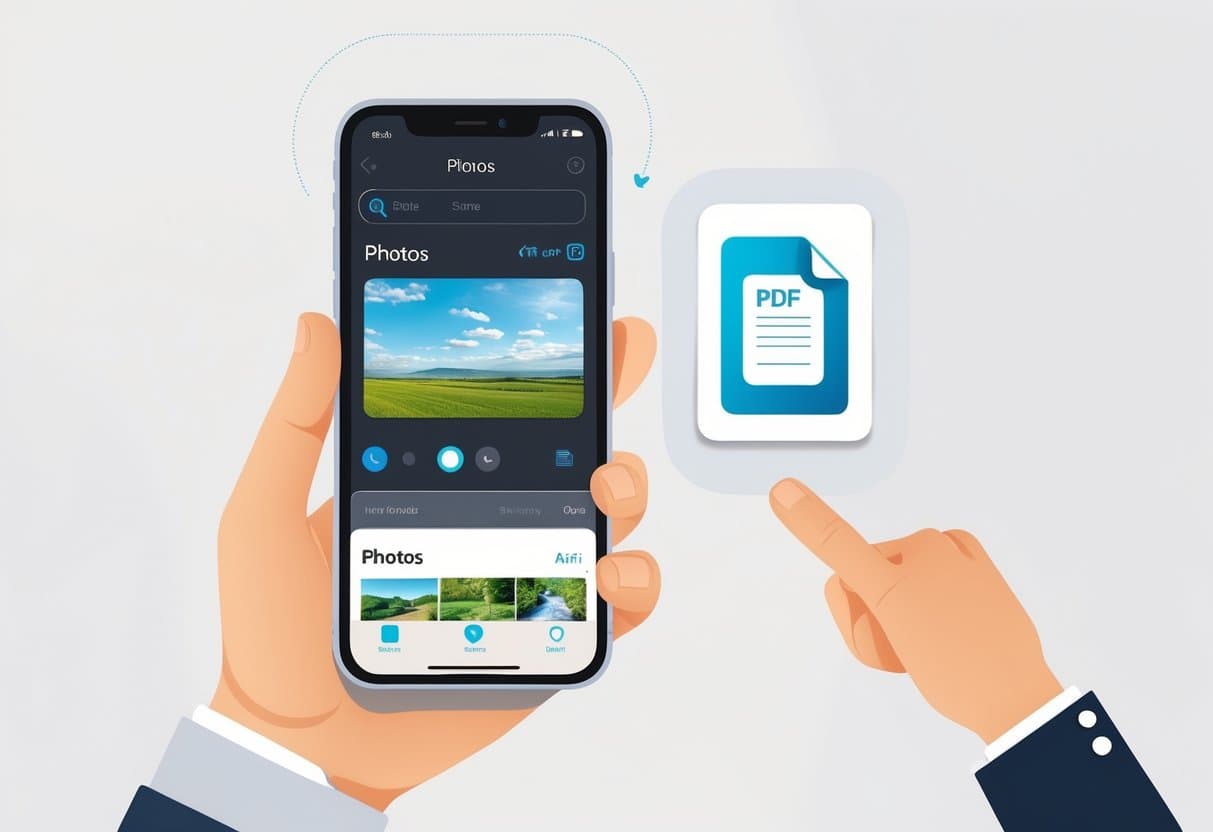
How to Convert Picture to PDF on iPhone: Easy & Proven Methods
Converting pictures to PDF on your iPhone is easier than you might expect. You don’t even need to mess with...
PDF Security
How to Password Protect a PDF: The Complete Guide to Secure PDF Files
PDF files—yeah, they can hold a lot of sensitive stuff. You don’t want just anyone poking around in your financial...
PDF Conversion
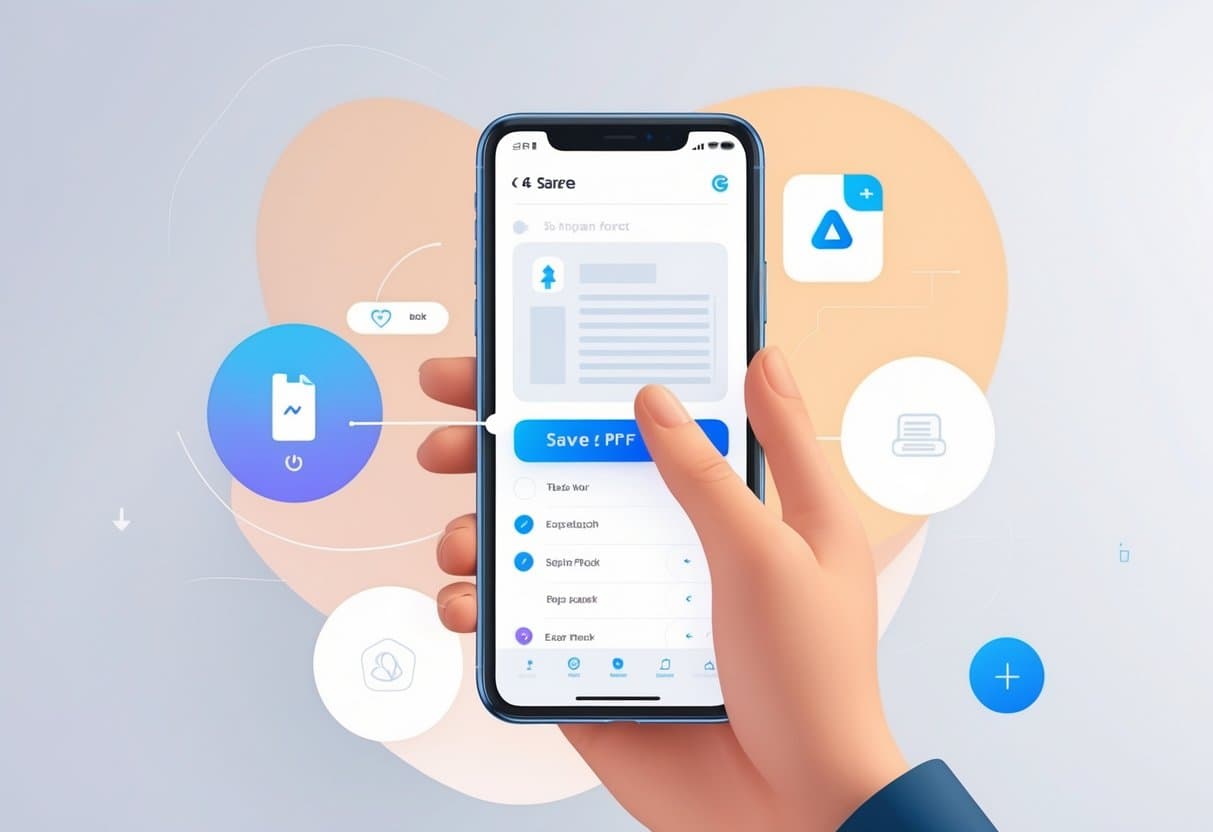
How to Make a PDF on iPhone: Convert, Save, and Share Easily
Creating PDFs on your iPhone is honestly a game-changer for managing documents, photos, and web content. Whether you need to...
PDF Modficiation
Split PDF: How to Quickly Divide & Extract Pages from PDFs
PDF documents can be monsters—big, unwieldy files with way more pages than you need. Sometimes you only want a chapter...
PDF Modficiation
How to Edit a PDF on Mac: Complete Guide to Editing PDFs Easily
Mac users have a bunch of solid options for editing PDFs without shelling out for pricey third-party software. You can...